Server Definitions — Registry Schema
Learn how to create MCP server definitions for the McpMux registry. Complete JSON schema reference with field descriptions, transport types, input metadata, authentication, and examples.
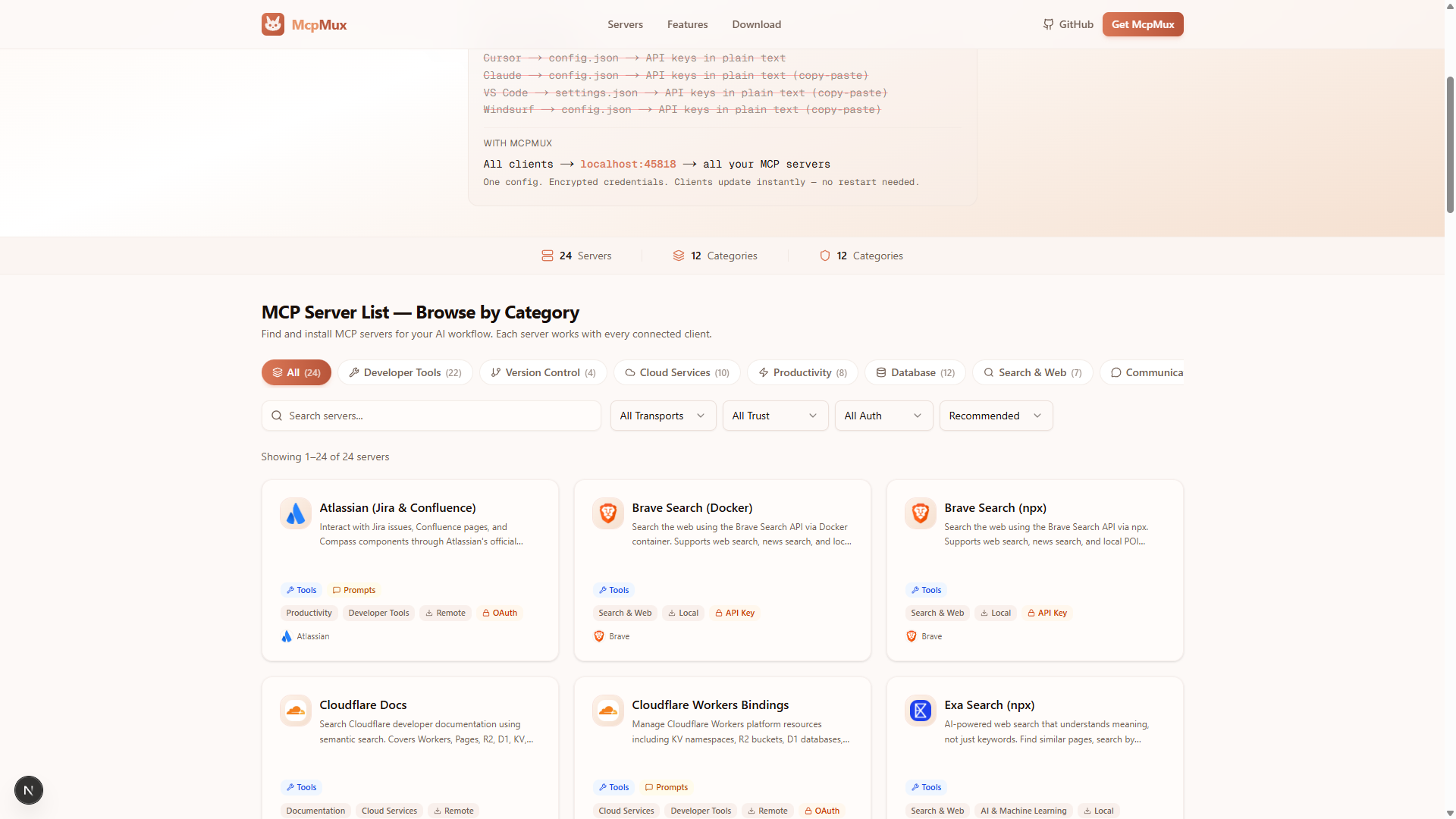
A server definition is a JSON file that describes an MCP server — how to run it, what credentials it needs, and what capabilities it provides. Server definitions power the McpMux server registry and enable one-click installation.
Required Fields
Every server definition needs exactly three fields:
id
A unique identifier in reverse-domain notation: {tld}.{publisher}-{name}
com.github-mcp           # Official GitHub server
community.brave-search    # Community-maintained Brave Search server
com.cloudflare-docs       # Official Cloudflare documentation server
Rules:
- Lowercase letters, numbers, and hyphens only
- Pattern:
^[a-z0-9]+\.[a-z0-9][a-z0-9-]*$ - Filename must match:
servers/{id}.json - One publisher can have multiple servers
Namespaces:
com.*— official publisher or well-known organizationcommunity.*— community contributors
name
Human-readable display name shown in the registry and McpMux UI.
"name": "GitHub"transport
Defines how to run or connect to the server. Must be one of two types:
Transport Types
stdio — Local Command Execution
Runs a process on the user's machine. McpMux communicates over stdin/stdout.
{
  "type": "stdio",
  "command": "npx",
  "args": ["-y", "@modelcontextprotocol/server-github"],
  "env": {
    "GITHUB_PERSONAL_ACCESS_TOKEN": "${input:GITHUB_TOKEN}"
  },
  "metadata": {
    "inputs": [
      {
        "id": "GITHUB_TOKEN",
        "label": "GitHub Personal Access Token",
        "type": "password",
        "required": true,
        "secret": true,
        "placeholder": "ghp_xxxxxxxxxxxxxxxxxxxx",
        "obtain": {
          "url": "https://github.com/settings/tokens/new",
          "instructions": "1. Click 'Generate new token (classic)'\n2. Select scopes: repo, read:org\n3. Copy the token",
          "button_label": "Create Token"
        }
      }
    ]
  }
}
Fields:
| Field | Required | Description |
|---|---|---|
type | Yes | Always "stdio" |
command | Yes | Command to execute (npx, uvx, docker, python, node) |
args | No | Array of command-line arguments |
env | No | Environment variables (supports ${input:ID} placeholders) |
cwd | No | Working directory |
metadata.inputs | No | User input definitions (see Input Metadata) |
http — Remote Endpoint
Points to a hosted HTTP server implementing the Streamable HTTP MCP transport.
{
  "type": "http",
  "url": "https://mcp.atlassian.com/v1/mcp",
  "headers": {
    "Authorization": "Bearer ${input:API_TOKEN}"
  },
  "metadata": {
    "inputs": [
      {
        "id": "API_TOKEN",
        "label": "API Token",
        "type": "password",
        "required": true,
        "secret": true
      }
    ]
  }
}
Fields:
| Field | Required | Description |
|---|---|---|
type | Yes | Always "http" |
url | Yes | HTTP(S) endpoint URL |
headers | No | Custom HTTP headers (supports ${input:ID} placeholders) |
metadata.inputs | No | User input definitions |
Input Metadata
Inputs define the credentials and configuration values that users need to provide. They are referenced in env, args, and headers using the ${input:ID} placeholder syntax.
Input Fields
{
  "id": "GITHUB_TOKEN",
  "label": "GitHub Personal Access Token",
  "type": "password",
  "required": true,
  "secret": true,
  "description": "Token with repo and read:org scopes",
  "default": "",
  "placeholder": "ghp_xxxx",
  "obtain": {
    "url": "https://github.com/settings/tokens/new",
    "instructions": "1. Click 'Generate new token'\n2. Select scopes\n3. Copy token",
    "button_label": "Create Token"
  }
}| Field | Required | Description |
|---|---|---|
id | Yes | Uppercase identifier matching ^[A-Z0-9_]+$ |
label | Yes | Human-readable label shown in the UI |
type | No | Input type (default: "text") |
required | No | Whether the value must be provided (default: false) |
secret | No | Encrypt this value in the OS keychain (default: false) |
description | No | Help text shown below the input |
default | No | Default value if user provides nothing |
placeholder | No | Greyed-out hint text in the input field |
obtain | No | Instructions for getting the value |
Input Types
| Type | Description |
|---|---|
text | Single-line text input (default) |
password | Masked text input for secrets |
number | Numeric input |
boolean | Toggle/checkbox |
url | URL input with validation |
select | Dropdown with predefined options |
file_path | File picker |
directory_path | Directory picker |
The obtain Field
The obtain object tells users how to get the required credential:
"obtain": {
  "url": "https://github.com/settings/tokens/new",
  "instructions": "1. Click 'Generate new token (classic)'\n2. Select the 'repo' scope\n3. Click 'Generate token'\n4. Copy the token value",
  "button_label": "Create Token"
}
McpMux renders this as a clickable button that opens the URL, with the instructions displayed as help text.
Select Options
For select type inputs, define the available options:
{
  "id": "REGION",
  "label": "AWS Region",
  "type": "select",
  "required": true,
  "options": [
    { "value": "us-east-1", "label": "US East (N. Virginia)" },
    { "value": "us-west-2", "label": "US West (Oregon)" },
    { "value": "eu-west-1", "label": "EU (Ireland)" }
  ]
}
Recommended Fields
Beyond the three required fields, these fields improve discoverability and user experience:
description
Short description of what the server does (one sentence):
"description": "Interact with GitHub repositories, issues, pull requests, and more"alias
Short CLI-friendly name in lowercase kebab-case:
"alias": "gh"icon
Emoji or image URL for display:
"icon": "🐙"categories
Array of category IDs from the predefined list:
"categories": ["developer-tools", "version-control"]Available categories:
| ID | Name |
|---|---|
developer-tools | Developer Tools |
version-control | Version Control |
cloud | Cloud Services |
productivity | Productivity |
database | Database |
search | Search & Web |
communication | Communication |
file-system | File System |
documentation | Documentation |
ai-ml | AI & Machine Learning |
monitoring | Monitoring & Observability |
security | Security |
tags
Searchable keywords:
"tags": ["git", "code", "issues", "pull-requests", "actions"]auth
Authentication type and instructions:
"auth": {
  "type": "api_key",
  "instructions": "Create a token at https://github.com/settings/tokens with repo scope"
}
Auth types: none, api_key, optional_api_key, oauth, basic
capabilities
Declare what MCP features the server supports:
"capabilities": {
  "tools": true,
  "resources": true,
  "prompts": false,
  "read_only_mode": false
}
Set read_only_mode: true for servers that never modify data (documentation, search, analytics).
links
URLs for more information:
"links": {
  "repository": "https://github.com/modelcontextprotocol/servers",
  "homepage": "https://modelcontextprotocol.io",
  "documentation": "https://modelcontextprotocol.io/docs"
}
platforms
Supported operating systems:
"platforms": ["all"]Or restrict to specific platforms: ["windows", "macos", "linux"]
contributor
Who created this definition:
"contributor": {
  "name": "Model Context Protocol",
  "github": "modelcontextprotocol",
  "url": "https://modelcontextprotocol.io"
}
Complete Example
Here's a full server definition for a local stdio server with API key authentication:
{
  "$schema": "../schemas/server-definition.schema.json",
  "id": "com.github-mcp",
  "name": "GitHub",
  "alias": "gh",
  "description": "Interact with GitHub repositories, issues, pull requests, and more",
  "icon": "🐙",
  "schema_version": "2.1",
  "categories": ["developer-tools", "version-control"],
  "tags": ["git", "code", "issues", "pr", "actions"],
  "transport": {
    "type": "stdio",
    "command": "docker",
    "args": [
      "run", "-i", "--rm",
      "-e", "GITHUB_PERSONAL_ACCESS_TOKEN",
      "ghcr.io/github/github-mcp-server"
    ],
    "env": {
      "GITHUB_PERSONAL_ACCESS_TOKEN": "${input:GITHUB_TOKEN}"
    },
    "metadata": {
      "inputs": [
        {
          "id": "GITHUB_TOKEN",
          "label": "GitHub Personal Access Token",
          "type": "password",
          "required": true,
          "secret": true,
          "placeholder": "ghp_xxxxxxxxxxxxxxxxxxxxxxxxxxxxxxxxxxxx",
          "obtain": {
            "url": "https://github.com/settings/tokens/new",
            "instructions": "1. Click 'Generate new token (classic)'\n2. Select scopes: repo, read:org\n3. Copy the token",
            "button_label": "Create Token"
          }
        }
      ]
    }
  },
  "auth": {
    "type": "api_key",
    "instructions": "Create a personal access token at https://github.com/settings/tokens"
  },
  "contributor": {
    "name": "Model Context Protocol",
    "github": "modelcontextprotocol",
    "url": "https://modelcontextprotocol.io"
  },
  "links": {
    "repository": "https://github.com/modelcontextprotocol/servers",
    "documentation": "https://modelcontextprotocol.io/docs"
  },
  "platforms": ["all"],
  "capabilities": {
    "tools": true,
    "resources": true,
    "prompts": false,
    "read_only_mode": false
  }
}
Validation and Contribution
Validating Locally
The registry uses AJV with JSON Schema 2020-12 for validation:
# Validate a specific definition
pnpm validate servers/your-server.json

# Validate all definitions
pnpm validate:all

# Check for ID/alias conflicts
pnpm check-conflicts
Contributing to the Registry
- Fork the mcp-servers repository
- Create your definition file:
servers/{your-id}.json - Validate locally with
pnpm validateandpnpm test - Submit a pull request with DCO sign-off (
git commit -s)
Definitions are reviewed for accuracy, working install commands, proper credential instructions, and trademark compliance.
Platform-Managed Fields
Some fields are computed by the platform and stripped if submitted by contributors:
badges— computed from verification statusstats— download countssponsored— commercial sponsorshipfeatured— homepage selection- Any field prefixed with
_platform
Next Steps
- Browse existing server definitions to see examples in the registry
- Learn about server management to understand how definitions are used
- Understand security to see how credentials from inputs are protected
Gateway — Local MCP Proxy
The McpMux Gateway runs on localhost:45818 and routes MCP requests from AI clients to the correct servers with automatic authentication and permission filtering.
Security & Credential Encryption
McpMux encrypts all credentials with AES-256-GCM and stores encryption keys in the OS keychain. No plaintext credentials ever touch disk. Learn about McpMux's security model.